

|
|
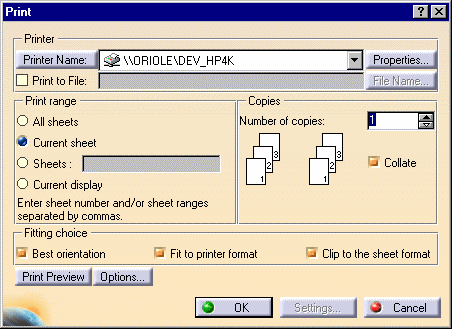
This task shows you how to print a diagram sheet. | |
|
|
1. | From the main menu, click
File - Print. The Print dialog
box displays.
|
| 2. | Enter your preferences and click OK. See Drafting documentation to learn more about the print command. | |
