



|
|
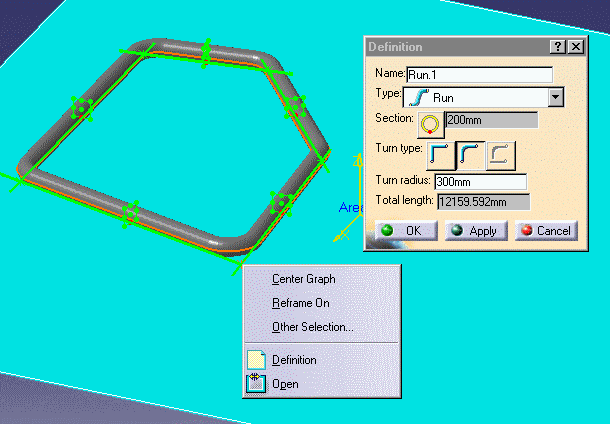
This task shows you how to open a closed run. | |
|
|
You can only open a closed run at a node. | |
|
|
1. | Bring up the Definition dialog box for the run. |
| 2. | Click the right mouse button on the node where
you want the run to be opened. This will display a drop down box.
|
|
| 3. | Click on Open.
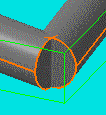
The run will open at the node.
|
|
|
|
||